
Download the Rajspin Game App & Latest APK
The Rajspin new apk is a free 48 MB download that installs in under a minute on any Android phone running 5.0 or later. iPhone users get a full-featured web app with no App Store step. One install gives you fantasy sports, 1,000+ slots, live dealer tables, Teen Patti and crash rounds behind a single wallet.
Open rajspingame.co on the device you want to play on, then tap any download button. The APK is served directly by the operator — never from a third-party mirror.
Tested and working on
Install the Rajspin Latest APK in Six Steps
Android does not allow real-money gaming apps on the Play Store, so the Rajspin apk installs directly. That is completely normal for this category — here is exactly what happens at each stage.
📱 Android install
Tap the download button
Any download button on this page takes you to the operator's own secure download page. The APK begins downloading straight away — typically 20 to 40 seconds on 4G.
Allow this source
Android will warn that the file is from an unknown source. Tap Settings, enable "Allow from this source" for your browser, then go back. You can switch this off again immediately after installing.
Open the downloaded file
Find rajspin.apk in your Downloads notification or file manager and tap it. Google Play Protect may run a quick scan — let it finish, then choose Install anyway.
Install and launch
Installation takes around fifteen seconds. The app requests storage and notification permissions only; it does not need contacts, camera or location access.
Register with your mobile number
Enter your number, confirm the OTP, set a password and add any promo or referral code on this screen. Codes cannot be applied to an account after registration.
Deposit and claim the bonus
Fund the wallet from ₹100 through UPI, Paytm, PhonePe, Google Pay or net banking, and opt into the welcome offer on the deposit screen.
🍎 iPhone & iPad install
Open the site in Safari
The install only works from Safari, not Chrome or in-app browsers. Navigate to the operator page using any download link on this page.
Tap the Share icon
The square-with-an-arrow icon at the bottom of the Safari toolbar. Scroll the share sheet down past the sharing options.
Choose "Add to Home Screen"
Give it a name and confirm. iOS creates a full-screen web app that behaves exactly like a native app, with no App Store step required.
Launch from your home screen
The icon appears alongside your other apps. Opening it launches without the browser chrome, so it looks and feels native.
Register and verify
Registration is identical to Android — mobile number, OTP, password. The same account works across every device you install on.
Enable notifications (optional)
iOS 16.4 and later support web push, which is useful for contest reminders and withdrawal confirmations.
What You Get After Installing
The welcome package unlocks in stages across your first week rather than landing in one lump. Here is the sequence, and the conditions attached to each part of it.
- 1₹200 sign-up credit — no depositCredited on mobile verification. Usable across fantasy contests, slots and card tables so you can test the app before funding it.
- 2100% first deposit match up to ₹5,000Minimum ₹500 deposit. Credits instantly and carries a standard playthrough requirement before the bonus portion becomes withdrawable.
- 350% and 30% reload boosts up to ₹4,000Applied to your second and third deposits. Opt in on the deposit screen — a bonus cannot be added retrospectively.
- 4₹800 weekly reload and cashbackRotating offers announced in the community Telegram channel, including net-loss cashback and featured-slot free spins.
Read this before claiming: bonus credit is not withdrawable cash. Playthrough requirements, game weightings, maximum stake caps while a bonus is active and expiry windows all apply. Full detail is in our bonus terms summary.
What You Get After Installing
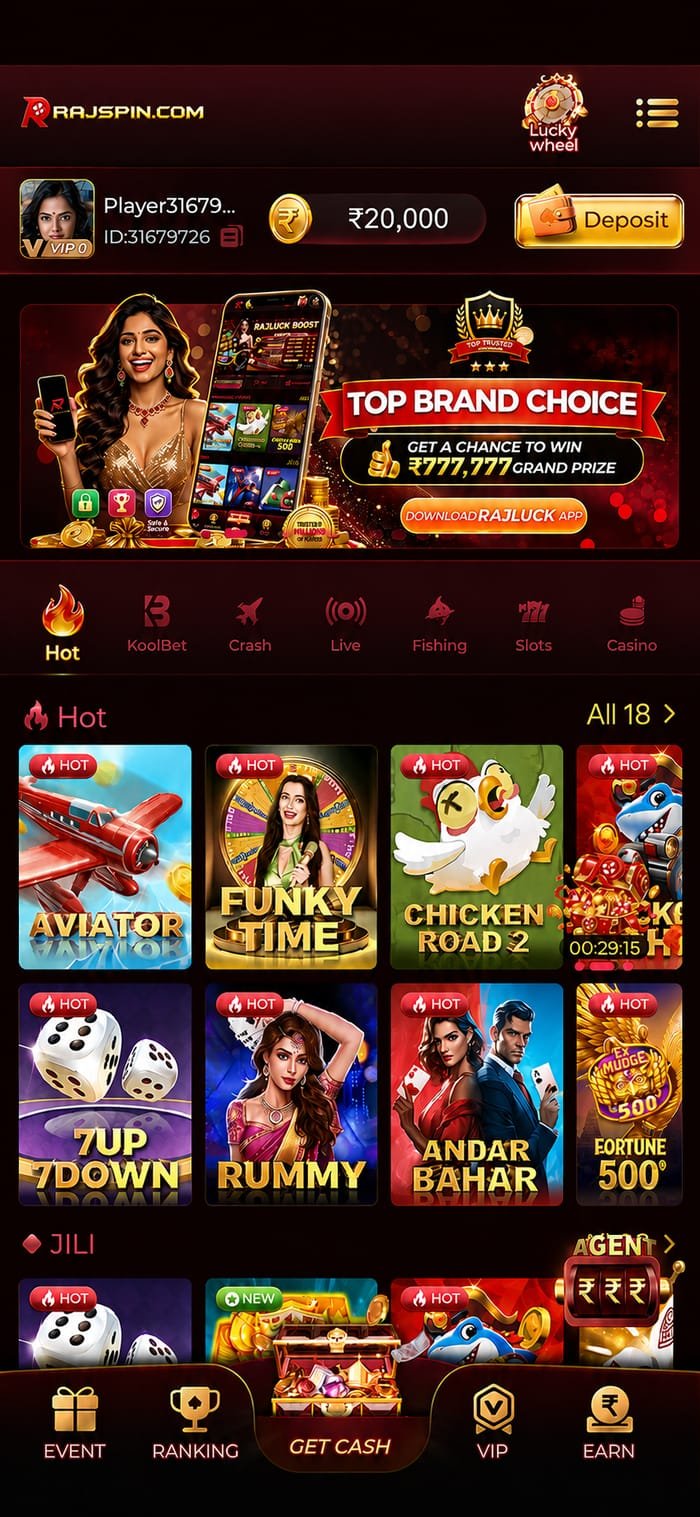
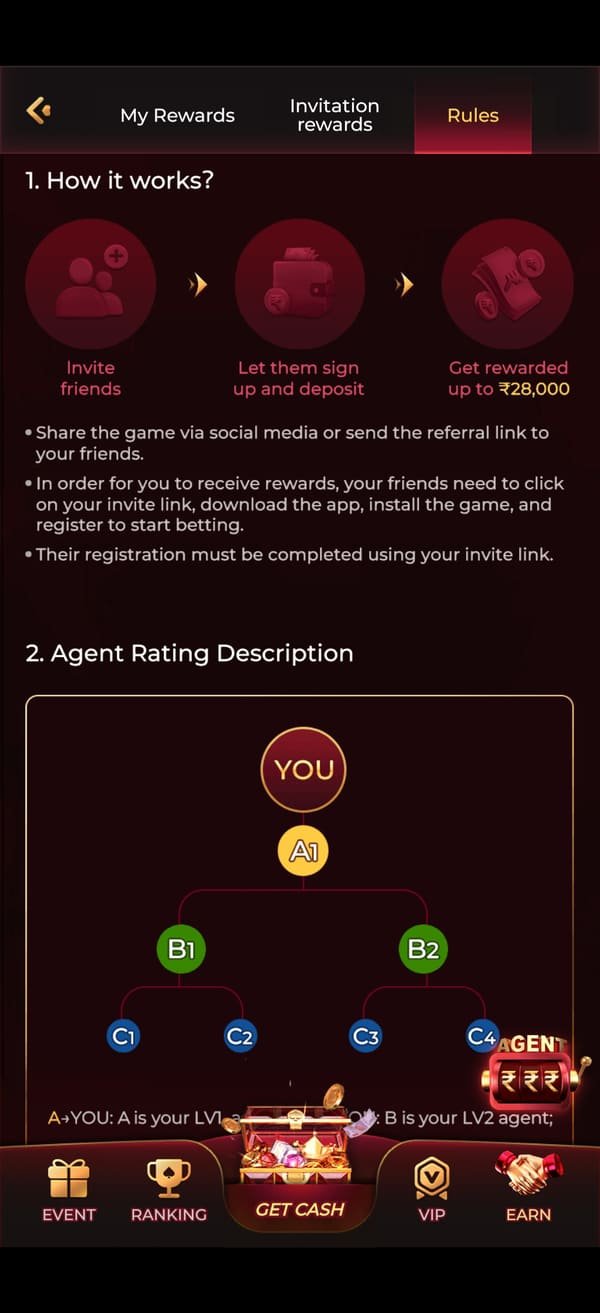
Real screens from the current Rajspin latest app build — the lobby, rewards, lucky wheel, wallet, live rooms and VIP hub.

Game Lobby
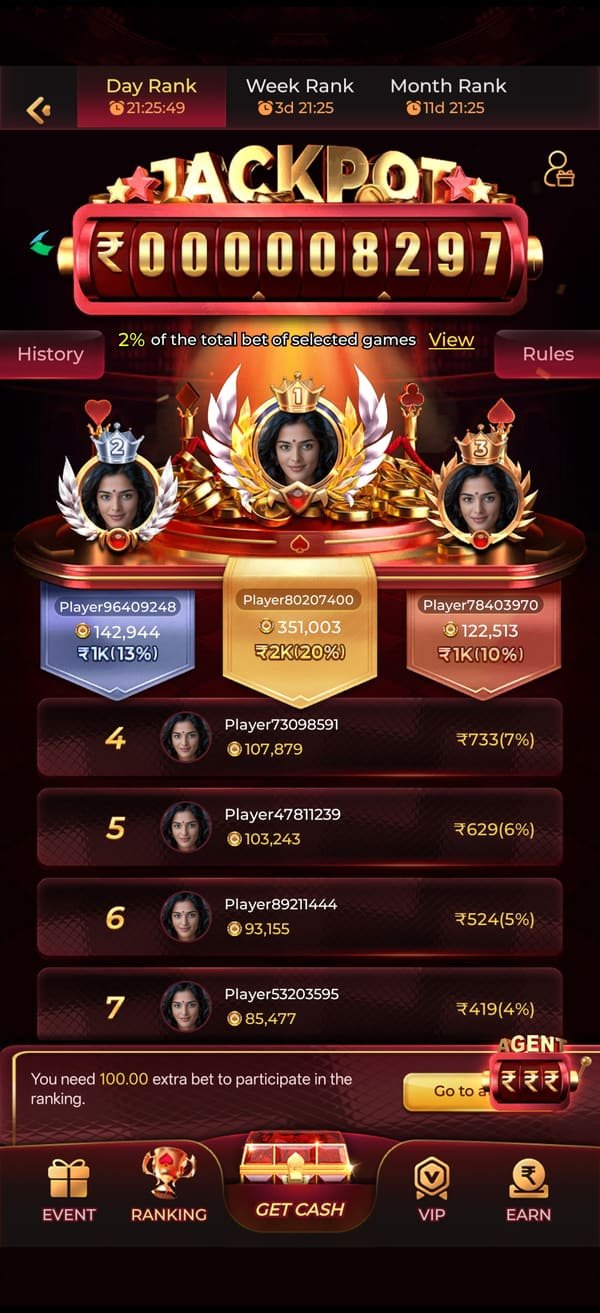
Daily Rewards
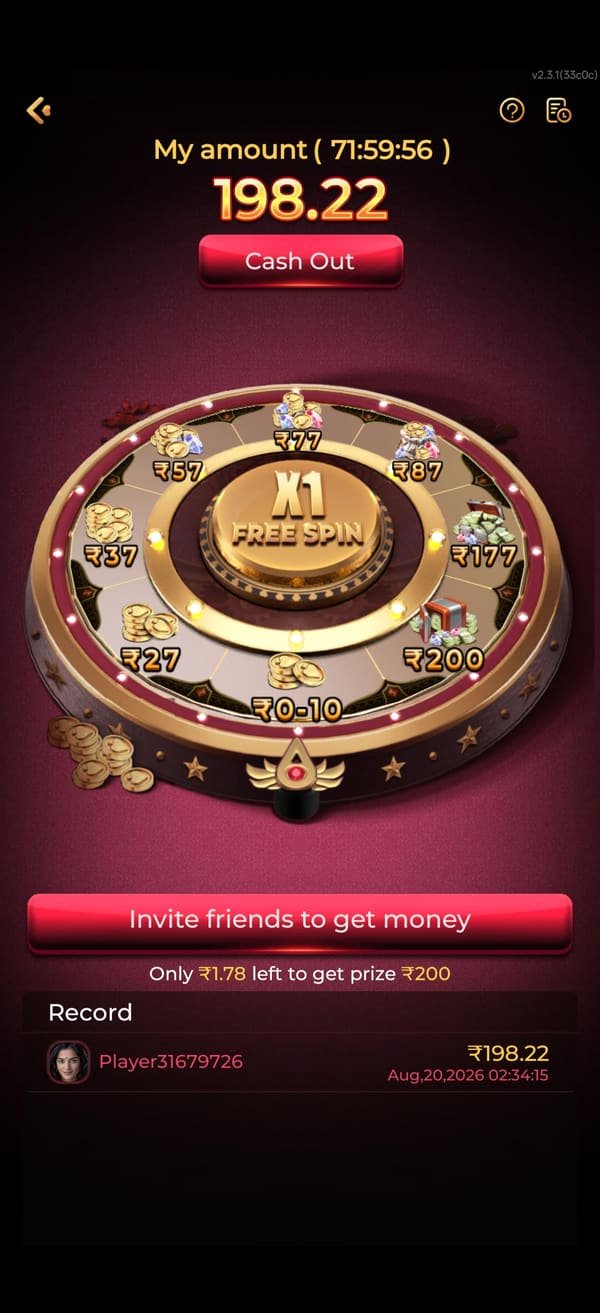
Lucky Wheel

Wallet & Deposits
Live Rooms
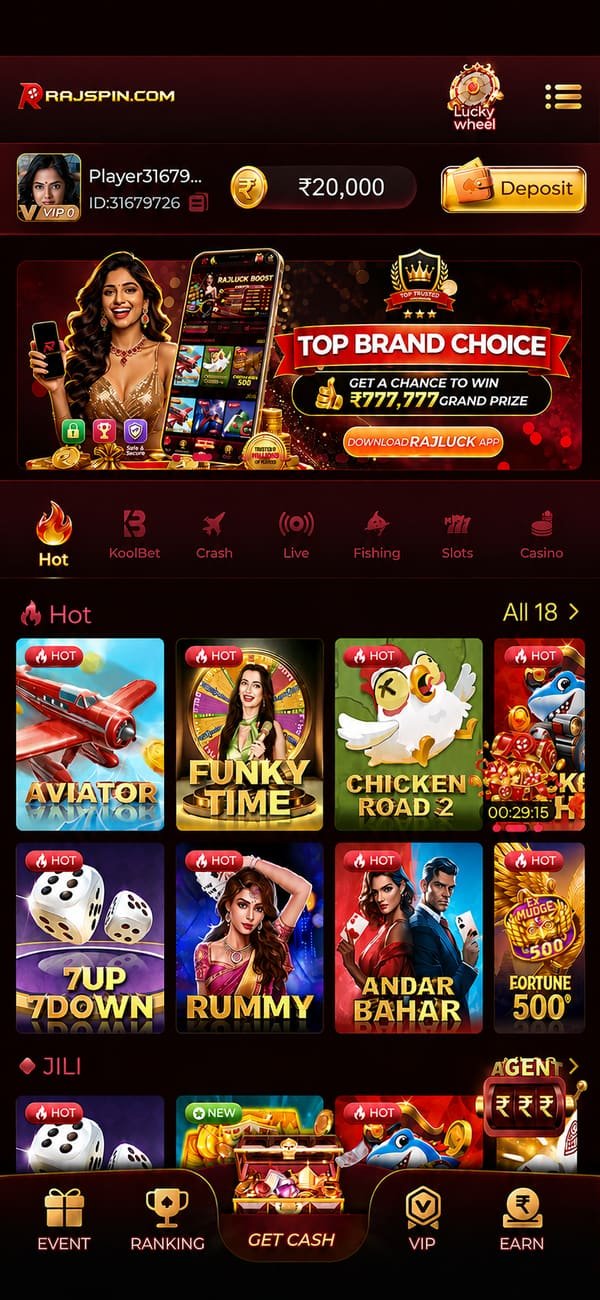
Hot Games
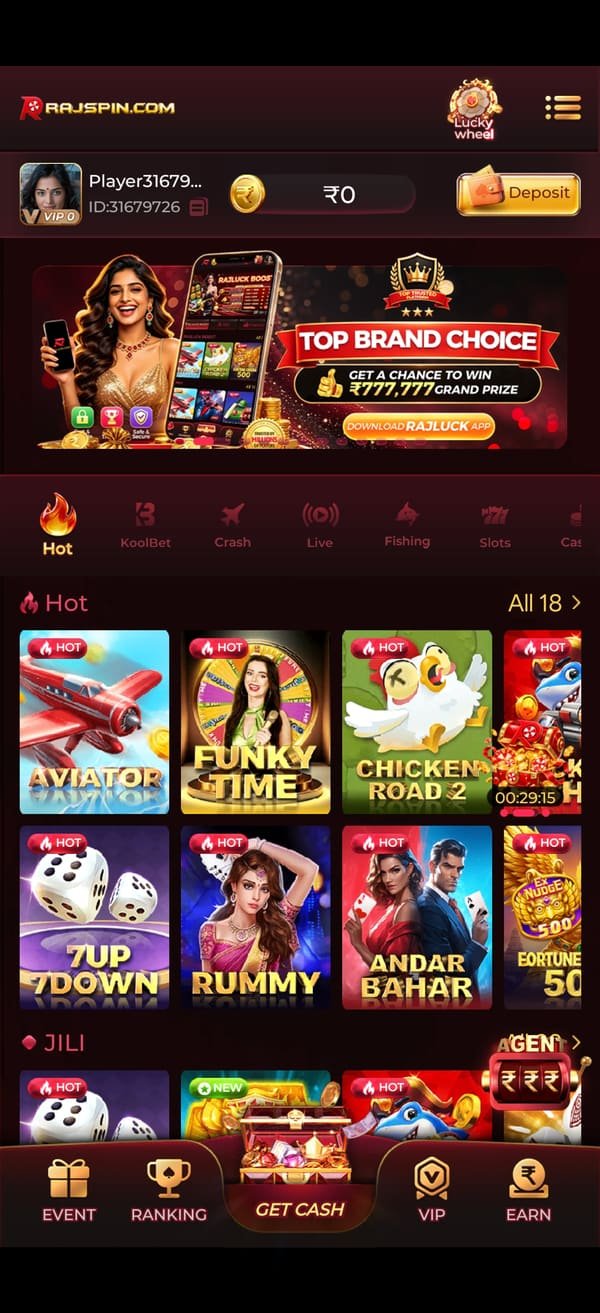
VIP & Referrals
Rajspin APK Version History
Keeping the app current matters more than it sounds. Older builds miss security patches, lose access to newly added game rooms, and occasionally break payment redirects when a provider updates their gateway.
Current release. Faster cold start, low-data mode for live tables, new fishing room, UPI redirect fixes.
Fantasy contest redesign with live points tracking, VIP hub rebuild, twelve new slot titles added.
Withdrawal queue transparency, in-app KYC upload, Hindi language pass across the wallet flow.
Crash game provably fair panel, responsible gaming limit tools moved to the top level of the account menu.
Stability release for Android 5 and 6 devices, reduced install size by 6 MB, notification opt-in reworked.
Device Compatibility
| Requirement | Minimum | Recommended |
|---|---|---|
| Android | 5.0 Lollipop | 10 or later |
| iOS | 12.0 | 15 or later |
| RAM | 2 GB | 4 GB or more |
| Free storage | 150 MB | 500 MB |
| Connection | 3G | 4G / Wi-Fi |
| Screen | 720 × 1280 | 1080 × 2400 |
Safety Checklist
- Only download from the operator page linked on this site.
- Never install an APK sent to you privately on WhatsApp or Telegram DM.
- Check the installer name — it should be signed by the operator, not a random package.
- Keep Play Protect enabled; let it scan, then proceed.
- Revoke "install unknown apps" permission once you are done.
- Never share your OTP, password or KYC documents with anyone claiming to be support.
When the Install Does Not Work
Six problems account for almost every failed install. Each one takes under a minute to fix.
Almost always one of three causes: an older build of the same app is still installed, storage is full, or the download was interrupted and the file is incomplete.
Uninstall any previous version, free at least 300 MB of storage, then re-download the APK from the start rather than resuming a partial file.
Play Protect flags any APK installed outside the Play Store, which includes every real-money gaming app in India. Tap "More details", then "Install anyway".
If you would rather not, you can use the iOS-style web app on Android too — open the operator site in Chrome and choose "Add to Home screen" from the browser menu.
Check that DND is not blocking transactional SMS on your number — this is the most common cause on Indian networks. Wait the full sixty seconds before requesting a resend, since rapid resends can trigger a temporary block.
If it still does not arrive, message the support channel with your number and they can trigger a manual verification.
Usually a memory issue on 2 GB devices. Close background apps, restart the phone, and clear the app cache from Settings → Apps → Rajspin → Storage → Clear cache (not Clear data, which logs you out).
If it persists, reinstall the current build rather than an older APK you may have saved.
Do not repeat the payment. UPI reconciliation occasionally lags by a few minutes during peak hours. Take a screenshot showing the UTR or transaction reference number and send it to the support channel.
With a UTR, these are typically resolved inside one conversation. Without it, the operator has to trace it manually and it takes far longer.
Switch on low-data mode in the app settings. It drops stream resolution instead of dropping the round, which is far better behaviour on a patchy connection.
Live dealer games are the most bandwidth-hungry category. If your connection is genuinely weak, slots, crash and fantasy contests all run fine on 3G.
Common Questions About the Rajspin APK
The build served from the operator's own download page is signed by the operator and does not request unusual permissions — no contacts, camera or location access. It is as safe as any other direct-download app.
The genuine risk is not the official APK; it is the mirrors. Files labelled "rajspin latest apk" on third-party download sites and forwarded in private messages are the usual source of tampered builds. Always start from a link on this site.
Yes. The app checks for updates on launch and prompts you when a new build is available. Because it is not distributed through Play Store, updates are handled in-app rather than by Android.
Accept them promptly — updates carry security patches and access to newly added game rooms.
Yes. Log in with the same mobile number and password on as many devices as you like. Your wallet, bonus progress and VIP tier follow the account, not the device. Sessions are device-bound for security, so a login on a new device may require an OTP.
Slots, crash and fantasy contests are light — roughly 10–30 MB per hour. Live dealer tables stream video and use far more, around 300–500 MB per hour at standard quality, or 120–180 MB in low-data mode.
Not to play, but yes to withdraw. Upload a PAN card and one address proof from the account menu. It takes a few hours to approve and only needs doing once. Doing it on day one is the single best thing you can do to keep your first withdrawal fast.
The operator site works in a desktop browser and the full game library is playable there. The mobile app is better optimised — faster load times, push notifications for contest reminders and a layout designed portrait-first — but nothing is missing on desktop.
Two Channels, Two Different Jobs
The support channel handles anything that has gone wrong — a deposit that has not credited, a pending withdrawal, or help installing the Rajspin new apk. The community channel carries promo codes, new-game announcements and tournament schedules. Join both.
Install the Rajspin Latest App Now
Free, 48 MB, under a minute to install. Register with one OTP and claim up to ₹10,000 across your first three deposits.
18+ only · Play responsibly · Gambling involves financial risk and may be addictive